Hop Up Your Photos: Create Magical Easter Memories with Our Free Online Photo Booth
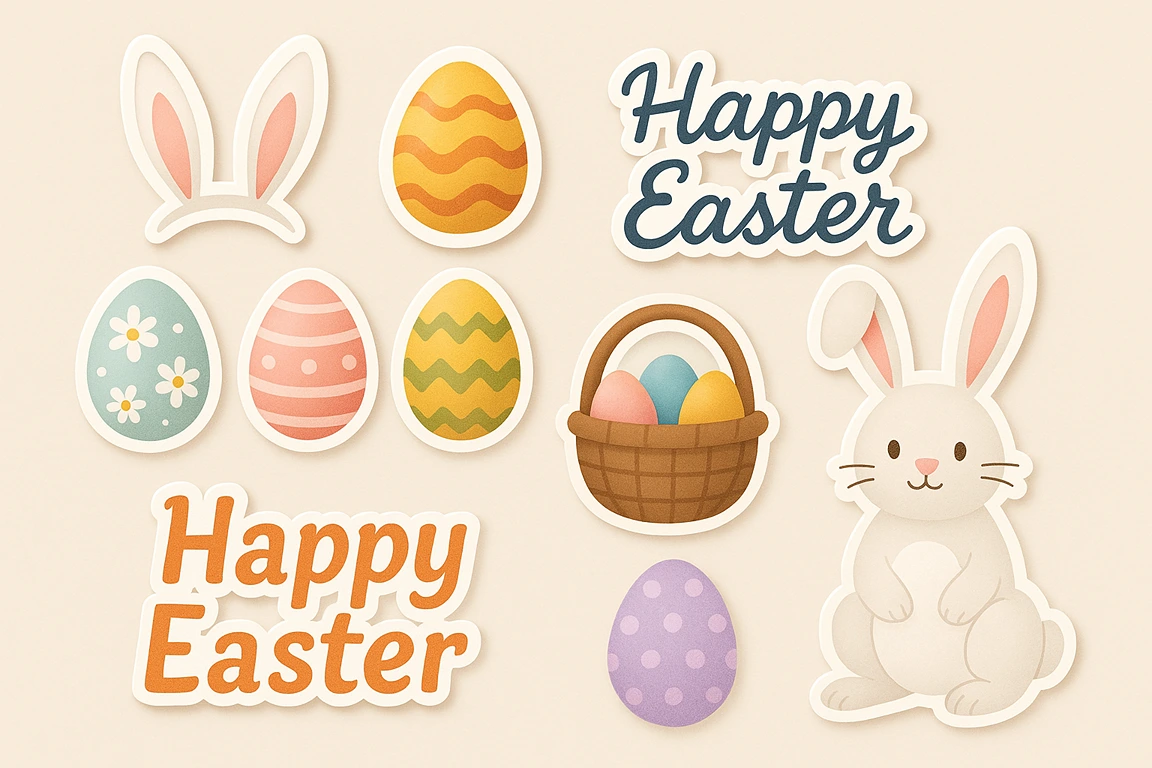
Easter is a time for capturing precious moments – the excitement of an egg hunt, the joy of family gatherings, the sweetness of spring. While those photos are lovely on their own, why not add an extra dash of festive fun? Imagine easily adding bunny ears to your pet's photo, placing colorful eggs around a family portrait, or sending a digital Easter greeting with beautiful text overlays!
Now you can, with our easy-to-use Online Easter Photo Booth! Upload your favorite picture, get creative with adorable Easter-themed stickers, add custom text, apply seasonal filters, and download your unique creation instantly. Let's make some egg-stra special photo memories!
Article Contents
Create *Written* Easter Magic Too!
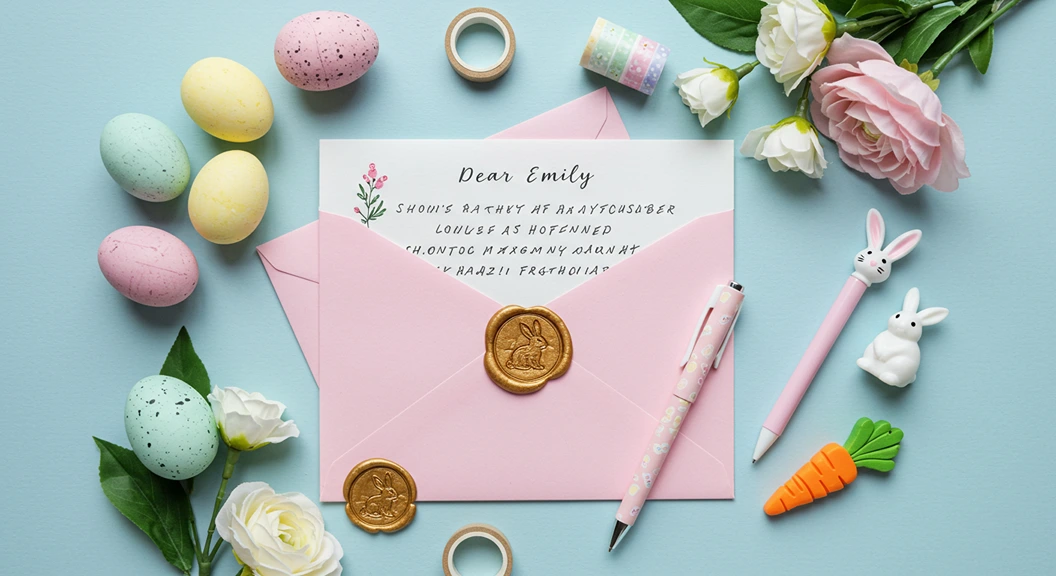
Editing photos is fun, but imagine the delight of receiving a real, personalized letter from the Easter Bunny! At The Magic Letter Box, you can create enchanting letters from the Easter Bunny mentioning your child's name, recent events, and Easter wishes – a keepsake they'll treasure. Get 5 free letters on sign-up, or unlimited magic all year for just $15. Combine a fun photo with a magical letter for the ultimate Easter surprise!
Why Dress Up Your Digital Photos for Easter?
Adding a touch of Easter flair to your photos is more than just decoration; it's about amplifying the joy and sharing the spirit of the season. It allows you to:
- Create Shareable Moments: Easily craft fun images perfect for posting on social media or sending to loved ones.
- Personalize Greetings: Turn a simple photo into a unique digital Easter card with custom messages.
- Document Traditions: Enhance photos from your Easter egg hunts or family gatherings with festive elements.
- Have Fun!: It's a simple, creative activity that adds laughter and personality to your pictures.
- Make Memories Tangible: Edited photos serve as playful reminders of this year's Easter celebration.
Interactive Easter Photo Booth Tool
Our completely revamped Easter Photo Booth lets you transform your photos with just a few clicks. Unlike simple filters, our tool gives you complete creative control with Easter stickers, customizable text, seasonal filters, and intuitive editing tools.

Here's what you can do with our enhanced photo booth:
- Add Easter Stickers: Choose from bunny ears, Easter eggs, chicks, baskets, and more
- Add Custom Text: Write personalized Easter messages with different fonts, colors, and sizes
- Apply Easter Filters: Enhance your photos with seasonal color effects
- Position & Transform: Move, resize, and rotate elements for perfect placement
- Instant Download: Save your creation with one click, ready to share
How to Use:
• Click Choose Photo to upload.
• Click a sticker to add it.
• Drag items to move them.
• Click the top handle (circle) to rotate.
• Click the bottom-right handle (circle) to resize.
• Click Add Text to write a message.
• Use Delete or Duplicate for selected items.
• Click Download to save!
Add Stickers
Tips for Using Easter Stickers
- Choose the Right Photo: Photos with clean backgrounds and good lighting work best for adding stickers.
- Strategic Placement: Position bunny ears properly above heads, eggs on surfaces, and characters where they look natural in the scene.
- Layer Effectively: Add larger elements first, then smaller details. The most recently added sticker appears on top.
- Use Rotation: Slightly angling stickers can make them look more natural and playful.
- Don't Overdo It: Sometimes one or two well-placed stickers have more impact than covering your photo with too many elements.
Adding the Perfect Easter Message
Our new text feature lets you add fun Easter greetings, names, dates, or any personalized message to your photos. Here are some tips for creating eye-catching text overlays:
- Choose Complementary Colors: Select text colors that stand out against your photo background. Light colors work well on dark areas and vice versa.
- Font Matters: Playfair Display adds elegance for formal Easter greetings, while the Fun font brings playfulness for children's photos.
- Size Appropriately: Ensure your text is large enough to read but doesn't overwhelm the image.
- Consider Placement: Look for empty spaces in your photo where text won't cover important elements.
- Keep It Brief: Short messages like "Happy Easter" or "Easter 2025" are often most effective.
Enhancing Photos with Seasonal Filters
Our new filter options can instantly transform the mood of your Easter photos:
- Warm Filter: Adds a cozy, golden glow perfect for indoor Easter gatherings and family photos.
- Spring Filter: Enhances greens and brightens colors – ideal for outdoor Easter egg hunts or garden photos.
- Pastel Filter: Creates a soft, dreamy effect that complements the traditional Easter color palette.
- Vintage Filter: Gives photos a timeless, slightly aged appearance that works beautifully for creating Easter keepsakes.
Creative Ways to Share Your Easter Photos
Once you've created your Easter masterpiece, there are so many ways to share the joy:
- Digital Easter Cards: Email your edited photos to family and friends as personalized Easter greetings.
- Social Media Celebration: Update your profile picture with bunny ears or share your creations on Instagram, Facebook, or other platforms.
- Print and Display: Download and print your edited photos for Easter decorations, scrapbooks, or personalized gifts.
- Combined with Traditions: Pair your photo with a personalized Easter Bunny letter from The Magic Letter Box for an extra magical experience.
- Digital Photo Frames: Upload your creations to digital frames to display around your home during Easter.
Frequently Asked Questions
Upload your photo, then select bunny ears from the sticker panel (under the "Ears" category). The ears will appear on your photo. Click and drag the ears to position them. Use the circular handle at the top to rotate and the handle at the bottom-right to resize for a perfect fit.
Currently, our tool processes one photo at a time. For multiple photos, complete and download each edited image before starting the next one by clicking "Choose Photo" again. This ensures you get the best quality for each creation.
There's no technical limit to how many stickers you can add, but we recommend using them thoughtfully for the best visual impact. Too many stickers can make a photo look cluttered and hide important details.
Absolutely! Your edited photos are perfect for DIY Easter cards, whether digital or printed. Download your creation, then upload it to a printing service or insert it into a digital card template to share with loved ones.
There are many creative ways to incorporate photo editing into your Easter celebrations! Take "before" photos during your Easter egg hunt, then add fun elements before sharing. Create yearly photo traditions with consistent themes or poses, adding the date and Easter elements. You could even leave an edited family photo as "proof" that the Easter Bunny visited, alongside your personalized Easter Bunny letter.
More Easter Magic Ideas
Looking for more ways to make this Easter special? Here are some wonderful resources to enhance your celebration:
- Easter Traditions for Kids: Discover timeless and new traditions to create lasting memories.
- Creative Easter Basket Ideas: Go beyond candy with unique and memorable basket fillers.
- Easter Egg Hunt Clue Generator: Create an exciting treasure hunt with personalized clues.
- Easter Food Ideas & Menu Planner: Plan the perfect Easter meal for your family gathering.
Make Easter Truly Magical with The Magic Letter Box!
While our photo booth adds visual fun to your Easter celebration, nothing compares to the wonder in a child's eyes when they receive a personal letter from the Easter Bunny! At The Magic Letter Box, you can create personalized letters mentioning your child's name, achievements, and special Easter wishes. Start with 5 free magical letters, or unlock unlimited letters for a full year of childhood wonder for just $15. Create Easter magic in minutes!
Start Creating Easter Photo Magic!
Our enhanced Easter Photo Booth makes it easier than ever to create memorable, share-worthy Easter photos. With customizable text, rotating stickers, photo filters, and intuitive controls, you can transform ordinary pictures into magical Easter keepsakes in minutes.
Upload a photo and start experimenting today! And remember, for the ultimate Easter experience, pair your creative photos with a personalized letter from the Easter Bunny to create memories your children will cherish forever.
Written by Kim
Creating magical moments for families through personalized letters and thoughtful parenting resources.